

imggpt AI Image Generator
Create and edit images with imggpt using text prompts, reference images, model controls, and production-ready refinement workflows.
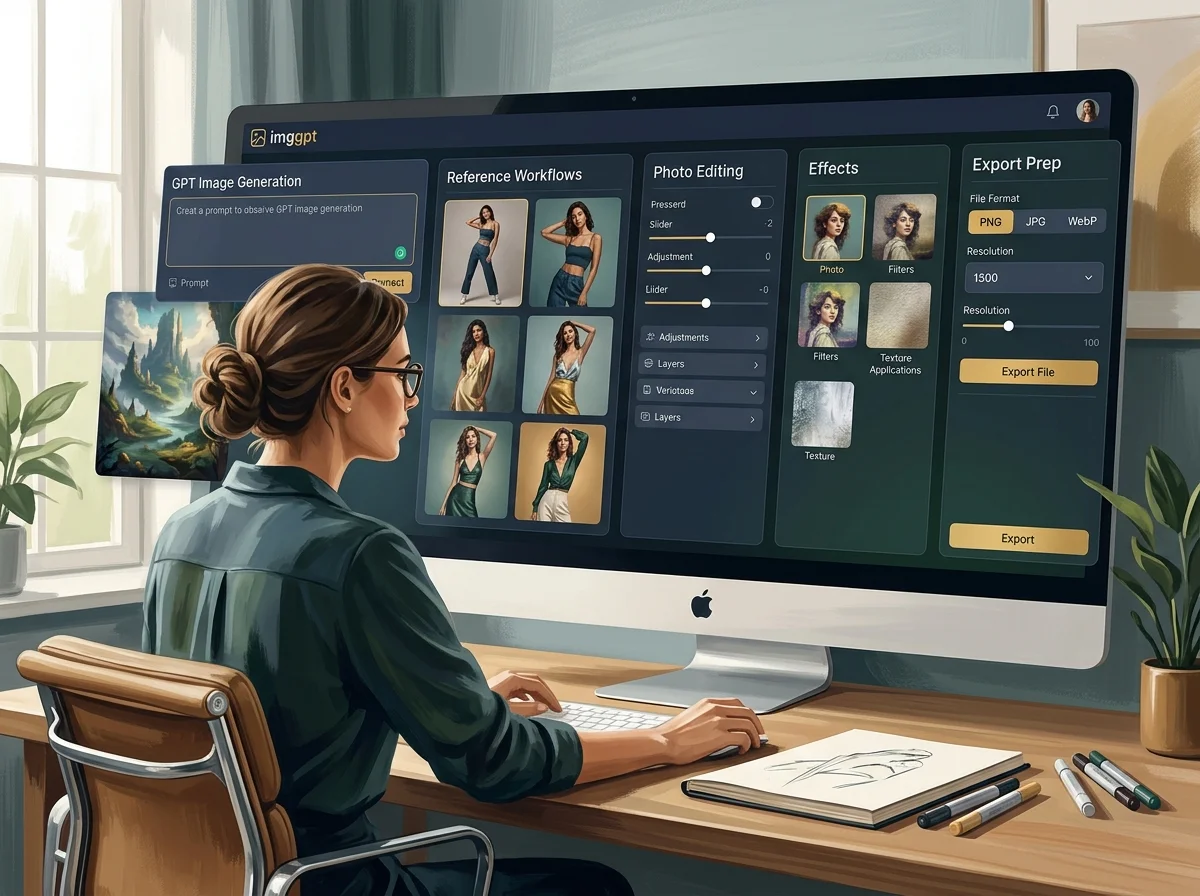
What the imggpt AI Image Generator Produces
The imggpt AI image generator turns a written brief into finished stills - product shots, campaign visuals, portraits, posters and social assets - and takes reference images when the subject or the look already exists.
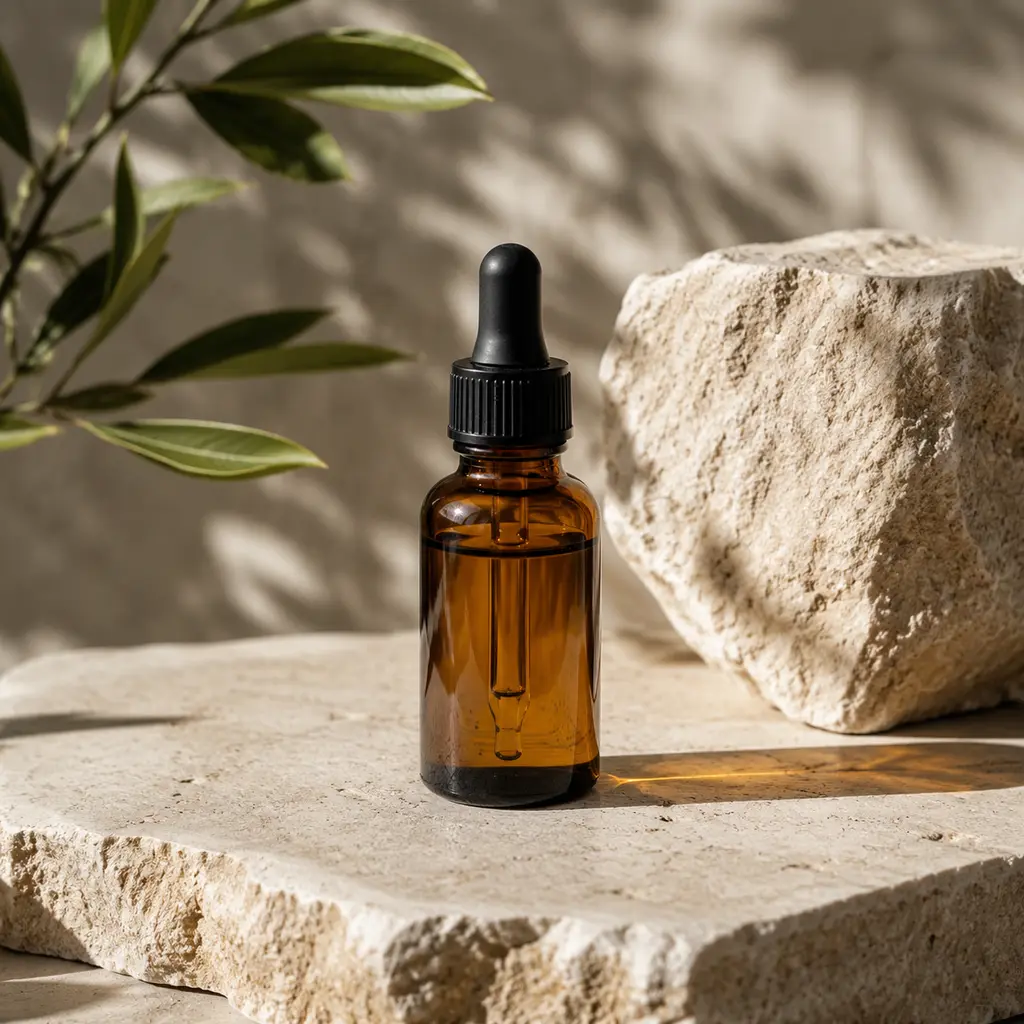
Text to image
Describe the subject, format and treatment and get a finished visual. No source asset needed, which makes it the fastest way to test a direction.
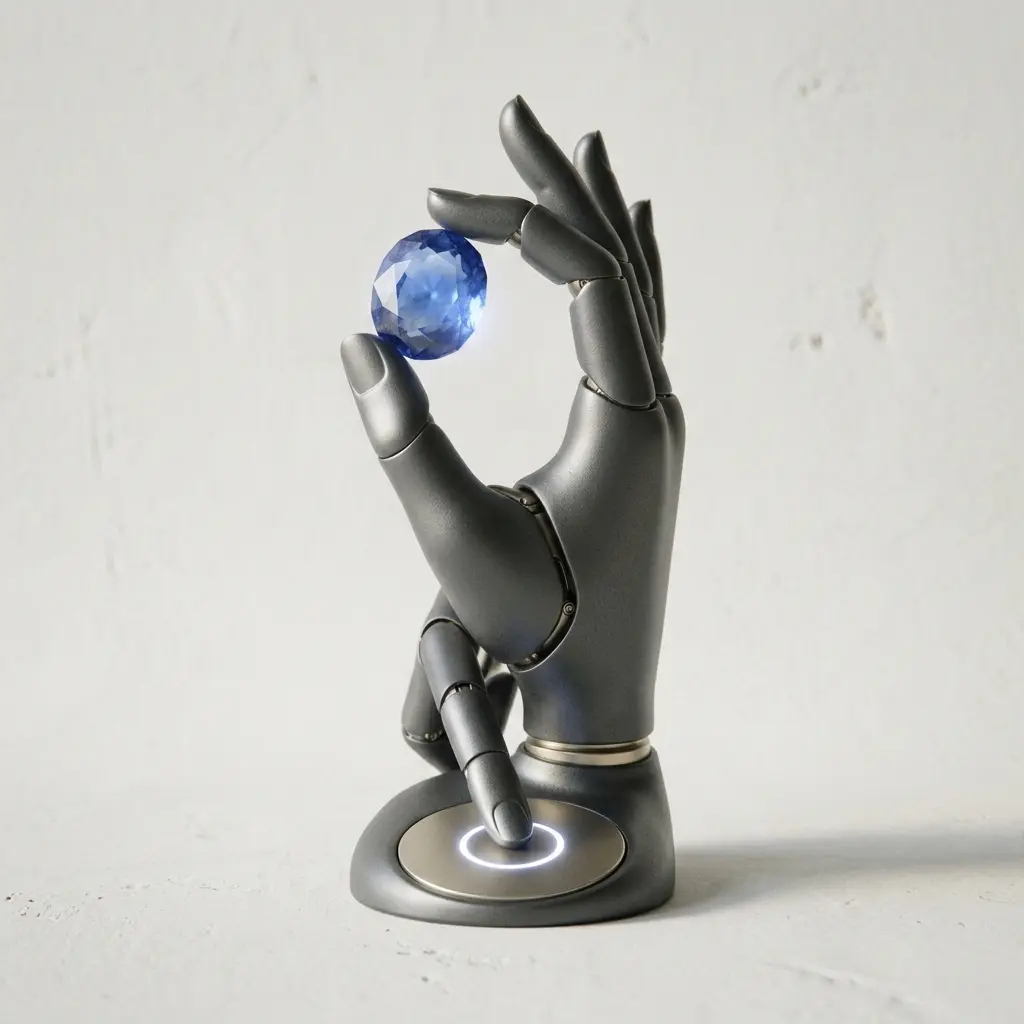
Image to image
Supply a reference and restyle or recompose it while keeping the subject recognisable - the right route when a product shot exists but the treatment does not.
Consistency across a set
Reusing references keeps characters, product lines and campaign sets visually related rather than merely similar.
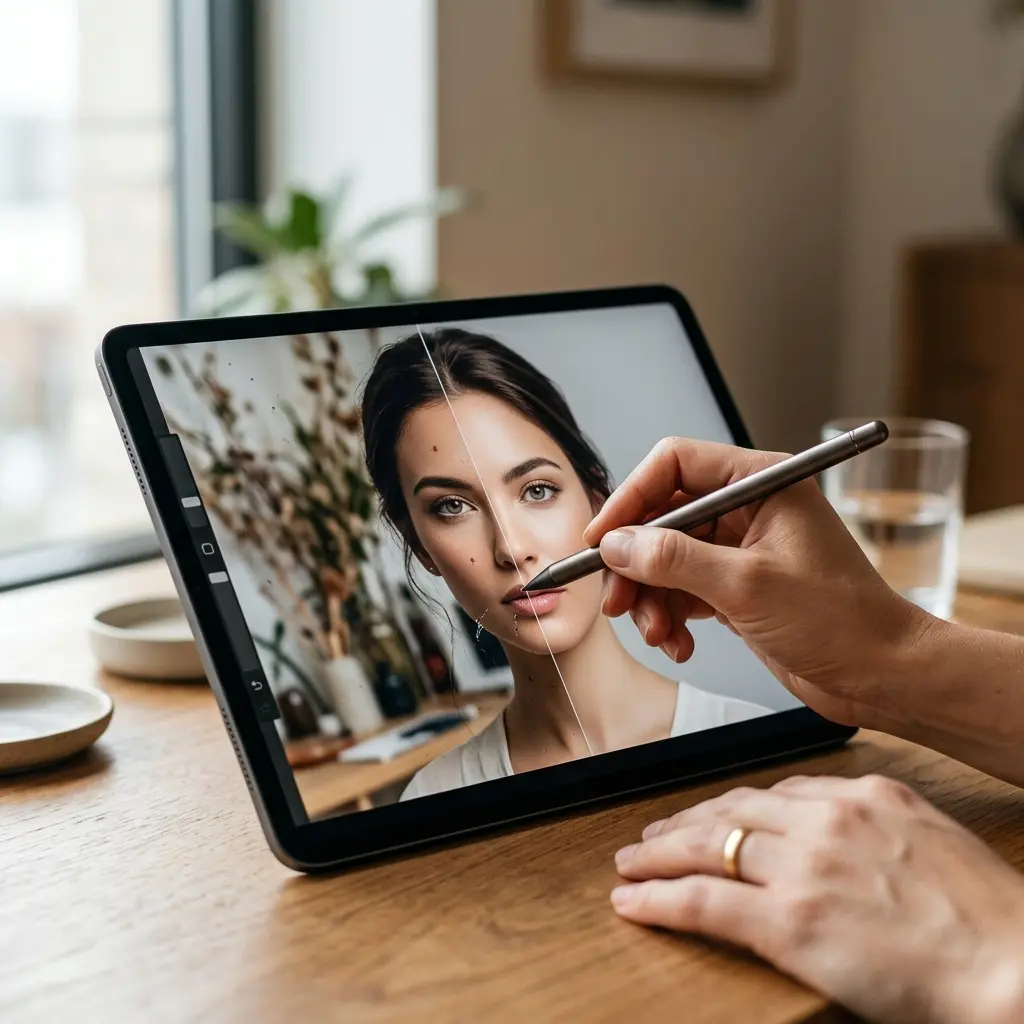
Output sized for where it goes
Generate at the ratio the placement needs - ad slot, product page, social post - instead of cropping afterwards.
Why Generate Here Rather Than Prompt-and-Hope
The difference is reference control and a set that holds together.
How to Generate an Image
Four steps from a brief to a publishable asset.
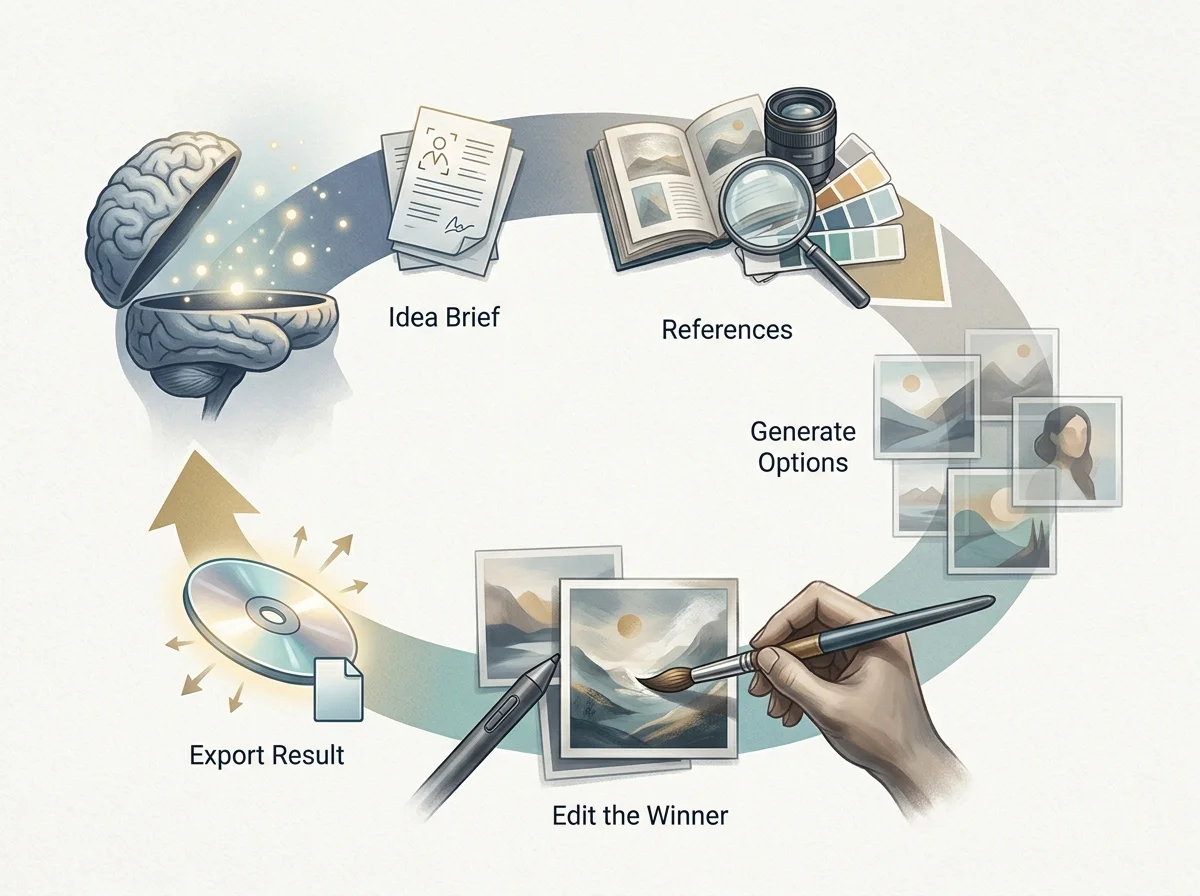
State the deliverable
Subject, format, audience and final use, before any style language. The same subject needs a different prompt for a hero than for a thumbnail.
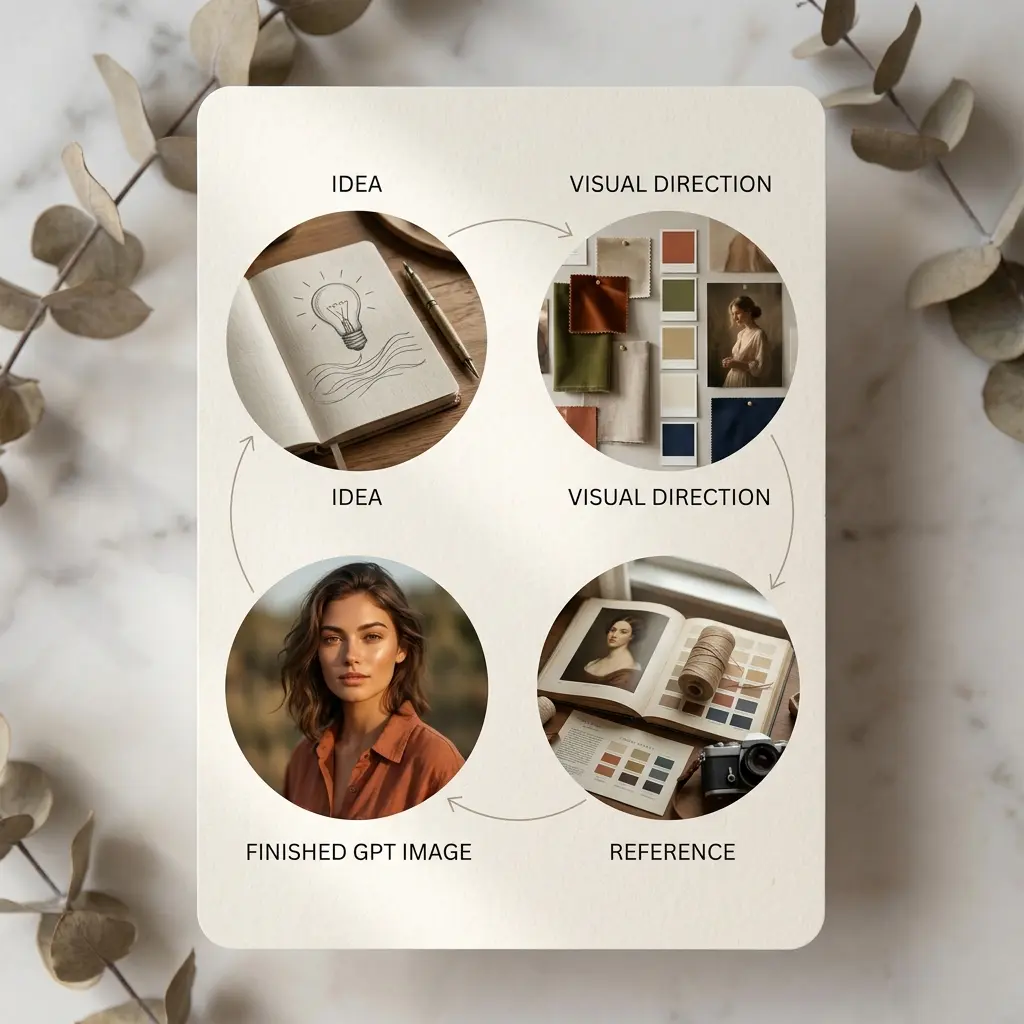
Attach references
Upload the visuals that should steer style, palette, character or product detail, and say what each is for.
Generate a set, not one
Compare several outputs against the brief. Picking from options is more reliable than refining a single attempt.
Edit the winner, then export
Clean the background, remove distractions, and export at the ratio the placement needs.
Generation controls and output
What the generator accepts and what comes out.
Text-to-image generation
Finished stills from a written brief, no source asset required.
Image-to-image restyling
Restyle or recompose an existing visual while holding the subject.
Reference-guided generation
Steer character, product detail, palette and composition with uploaded visuals.
Aspect ratio presets
Generate at the placement's ratio rather than cropping later.
Built-in retouching
Background cleanup and distraction removal without leaving the workspace.
Export-ready output
Assets prepared for ads, product pages, social posts and decks.
imggpt AI Image Generator in numbers
What a run costs and returns
Available in the form today, each priced in the same credits.
Per run, depending on the model and length chosen.
Includes a commercial licence for what you make.
The longest prompt every model on this page accepts.
Frequently Asked Questions About GPT Image and imggpt
Answers about imggpt as a GPT Image generator, photo editor, effects workspace, and all-in-one creative platform.
Generate an image
Write the brief, attach your references, and take a finished visual straight to the placement.
GPT Image 2.5: can I start with my own photo?
Yes. Image mode accepts PNG, JPEG and WebP, with a 30 MB ceiling for each reference. Upload as many as ten images and explain what the revision should change.