
GPT Image Generator and Photo Editor by imggpt
Generate, edit, and refine GPT Image visuals with imggpt in one clean browser workspace.
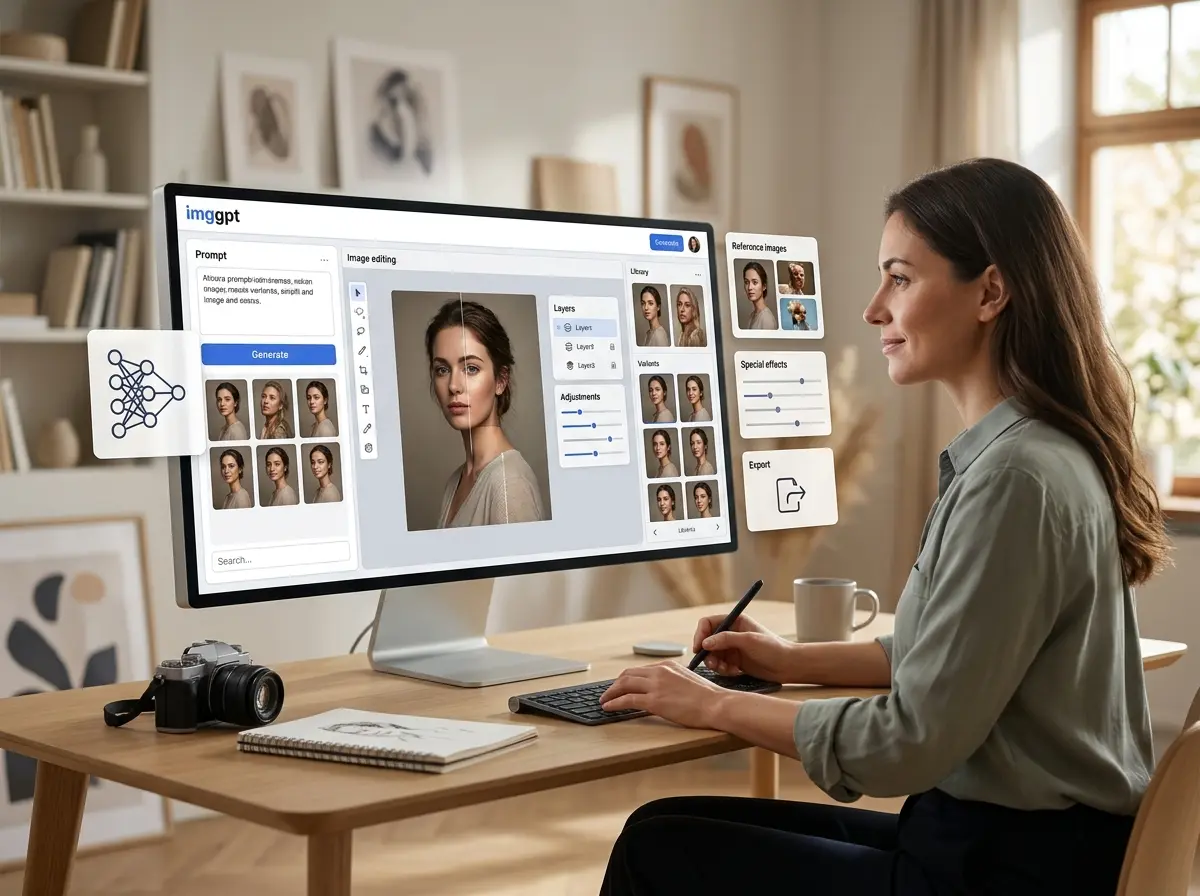
GPT Image Creation Tools in One Place
imggpt brings GPT Image generation, reference workflows, photo editing, effects, and export prep into one browser-based image platform so you can move from idea to usable asset without switching tools.
GPT Image Prompt Generator
Describe a product shot, campaign visual, portrait, poster, or social asset and generate polished GPT Image options quickly.
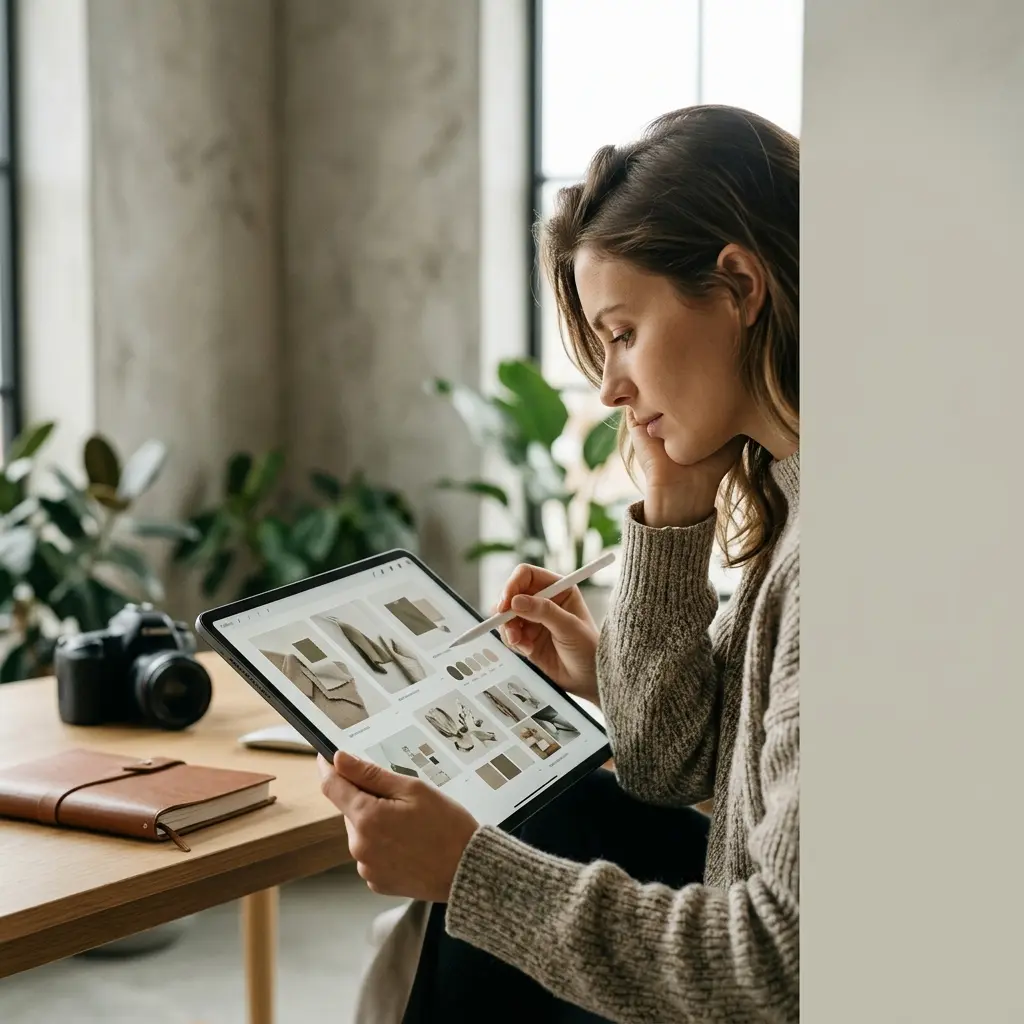
Reference and Image-to-Image Control
Guide style, composition, character, product detail, and mood with visual references when text alone is not enough.

One-Click Effects and Styles
Explore consistent grayscale mockups, editorial treatments, product scenes, poster looks, and creative style directions.
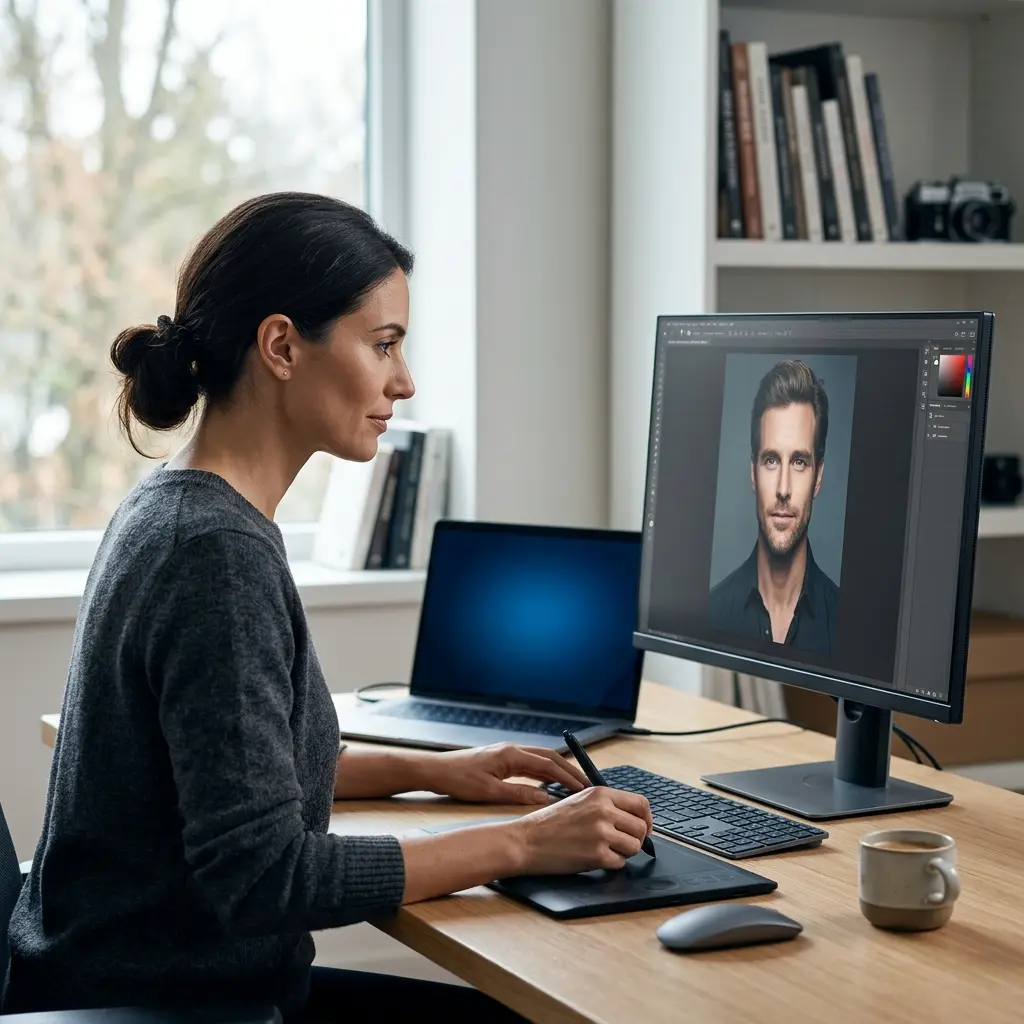
AI Photo Editing
Clean backgrounds, remove distractions, retouch portraits, improve product shots, and refine selected images for delivery.
Why imggpt Works for GPT Image Production
Like a practical GPT Image studio in the browser, imggpt is built around the jobs teams repeat every week: generate, edit, compare, refine, and publish.

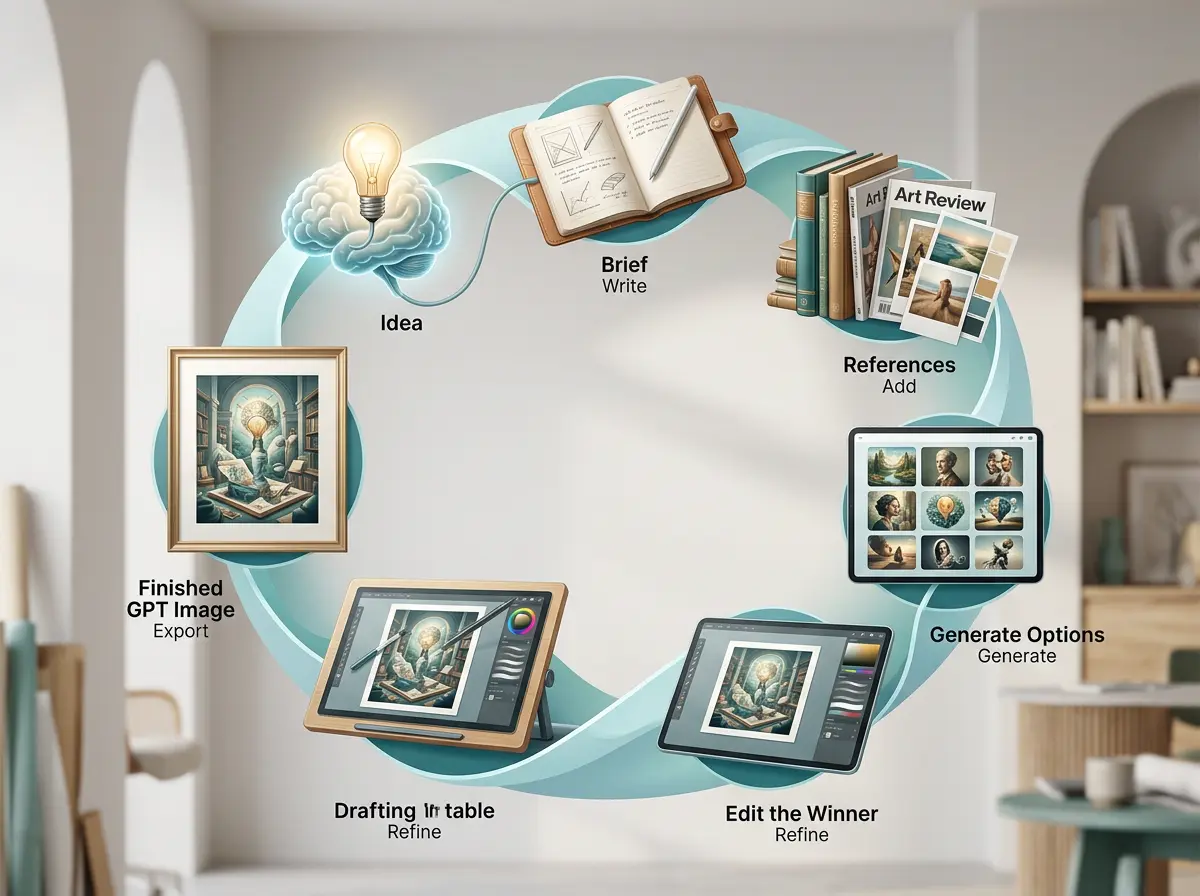
A Simple Loop from Idea to Finished GPT Image
Use imggpt as a repeatable GPT Image production flow: write the brief, add references, generate options, edit the winner, and export the result.
Describe the Goal
Set the subject, format, audience, style, and final use case before generating.
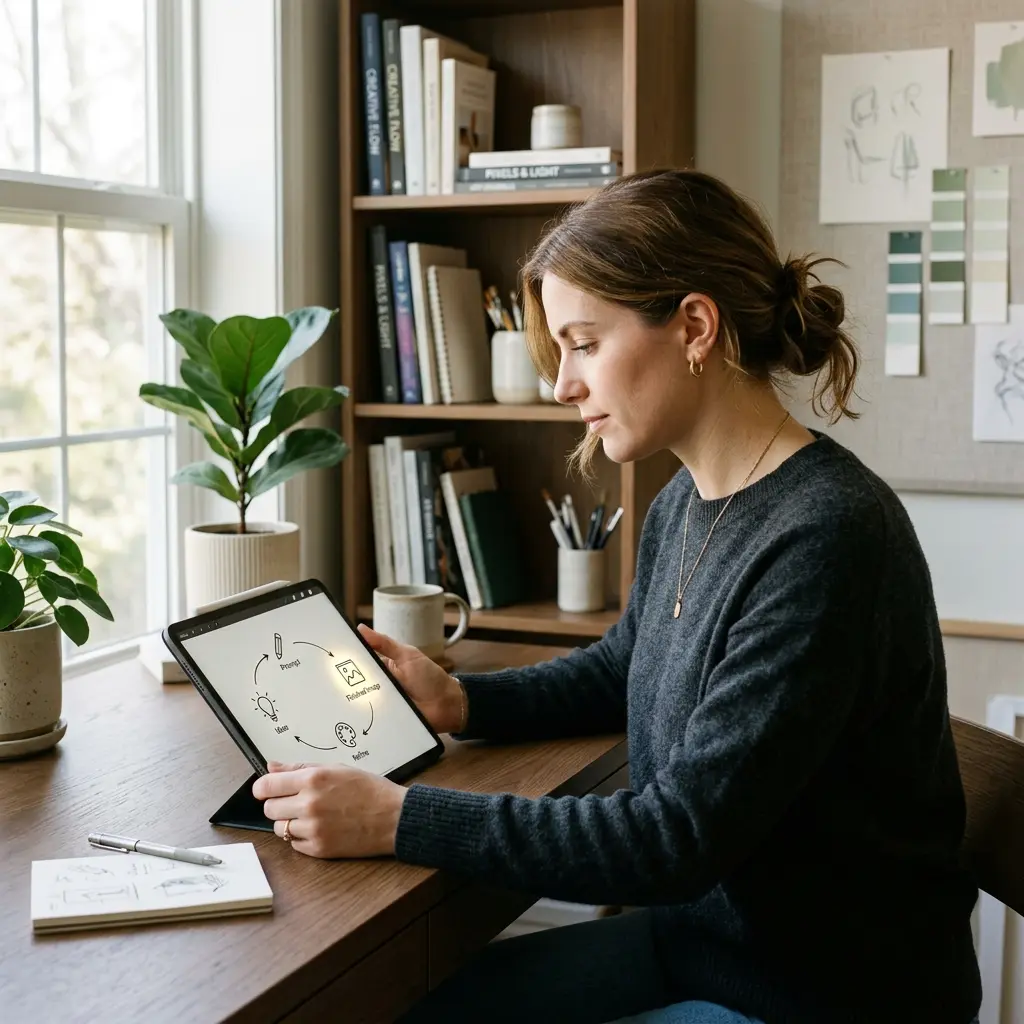
Add Visual Direction
Upload or reuse references for pose, product details, composition, palette, or campaign consistency.
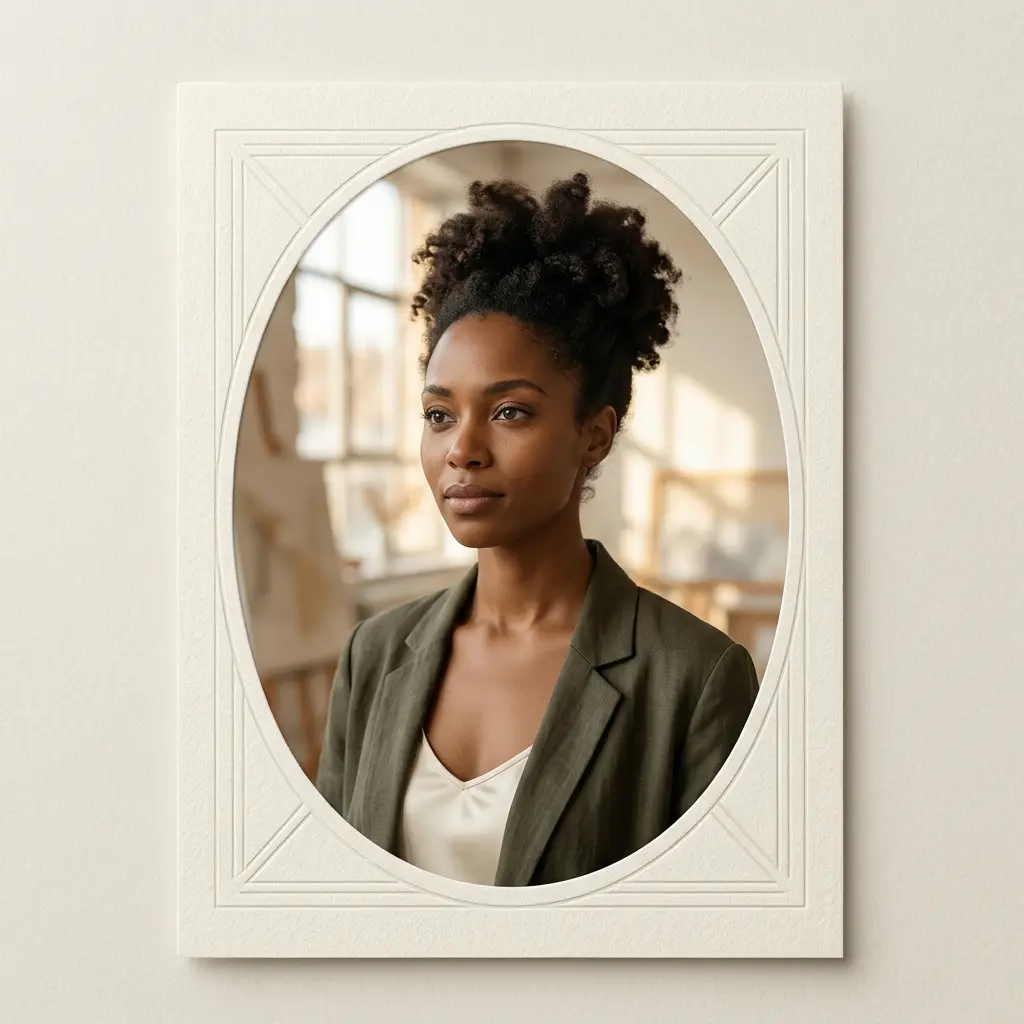
Generate and Edit
Compare variations, apply effects, remove distractions, refine backgrounds, and tighten the best image.
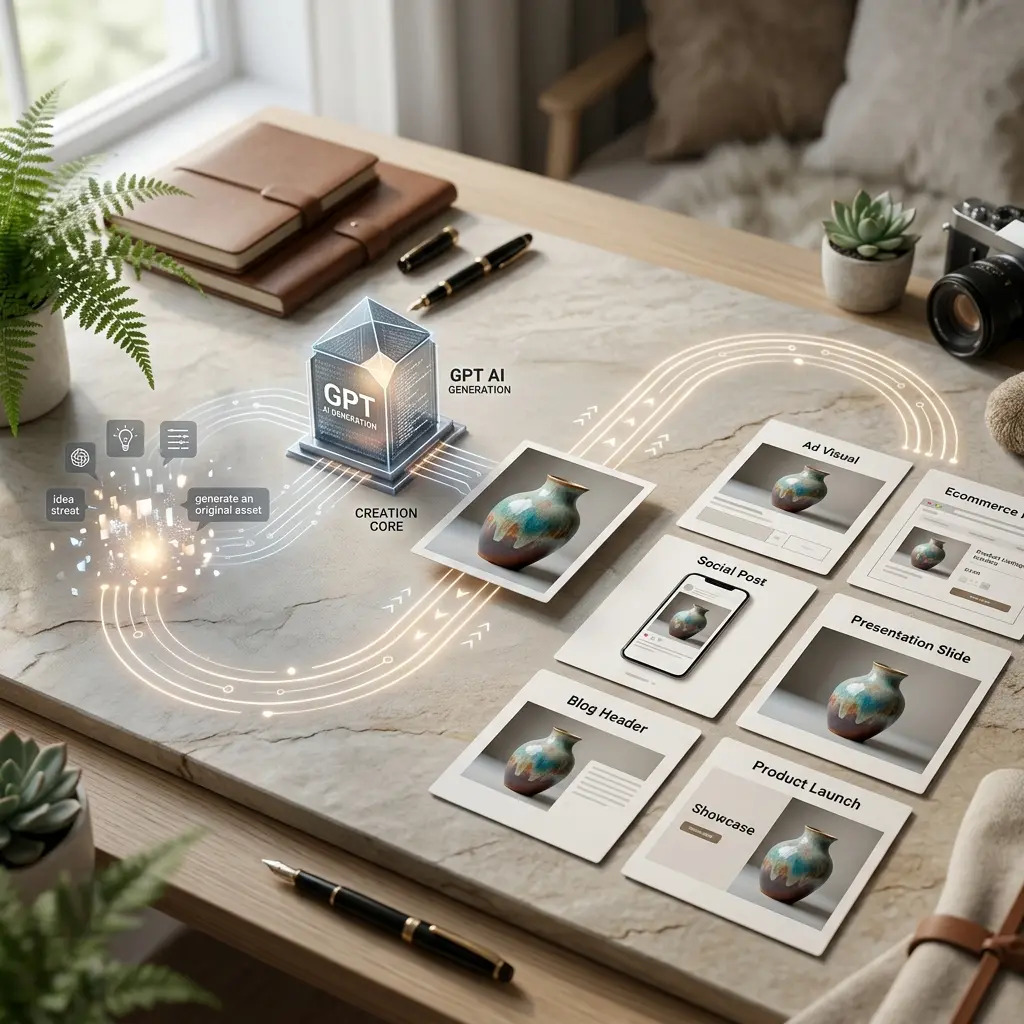
Publish the Asset
Use finished visuals across ads, ecommerce pages, social posts, blogs, presentations, and product launches.
imggpt GPT Image Features
Core GPT Image workflows for an all-in-one image generation and editing website.
GPT Image Generator
Create new GPT Image visuals from text prompts for products, portraits, campaigns, and creative concepts.
AI Photo Editor
Remove objects, clean backgrounds, retouch details, and improve images through prompt-based editing.
Reference Image Workflows
Use existing visuals to guide character, product, style, color, lighting, and composition.
AI Effects and Filters
Explore style treatments and creative transformations without moving to another tool.
Ecommerce Image Creation
Generate product mockups, lifestyle scenes, catalog shots, and launch visuals from one source asset.
Export-Ready Asset Flow
Prepare image sets for pages, ads, posts, decks, and review workflows with less handoff friction.
Built for More Than Experiments
imggpt focuses on GPT Image workflows that creators and teams can use repeatedly.
Turn prompts into usable image directions
Improve photos and selected outputs
Move finished assets into real channels
What Creators Say About imggpt
Teams use imggpt for GPT Image concepts, ecommerce visuals, social content, photo cleanup, and faster creative reviews.
imggpt gives us one place to generate concepts, test model directions, and clean up the strongest output before review.
Sofia Lindqvist, Creative Lead
Sofia Lindqvist
Creative Lead
For ecommerce work, I can move from a source product image to ad concepts, clean backgrounds, and lifestyle scenes much faster.
Marcus Bell, E-commerce Operator
Marcus Bell
E-commerce Operator
The reference workflow helps keep characters and campaign assets consistent instead of drifting into random one-off looks.

Priya Nair, Brand Designer
Priya Nair
Brand Designer
It feels like a practical browser studio: prompt, generate, edit, and export without constantly switching tabs.

Tomás Herrera, Agency Founder
Tomás Herrera
Agency Founder
I use imggpt to turn rough content ideas into social-ready visuals and blog covers with much less manual production.

Grace Adeyemi, Content Strategist
Grace Adeyemi
Content Strategist
The structured flow matters. We can compare options, refine a winner, and send a cleaner asset into production.
Felix Novak, Independent Creator
Felix Novak
Independent Creator
Frequently Asked Questions About GPT Image and imggpt
Answers about imggpt as a GPT Image generator, photo editor, effects workspace, and all-in-one creative platform.
Create and Edit Your Next GPT Image with imggpt
Use imggpt to generate, edit, compare, refine, and publish stronger GPT Image assets from one workspace.