

imggpt Video Generator
Generate AI video concepts from text, images, and references in the imggpt creative workspace.
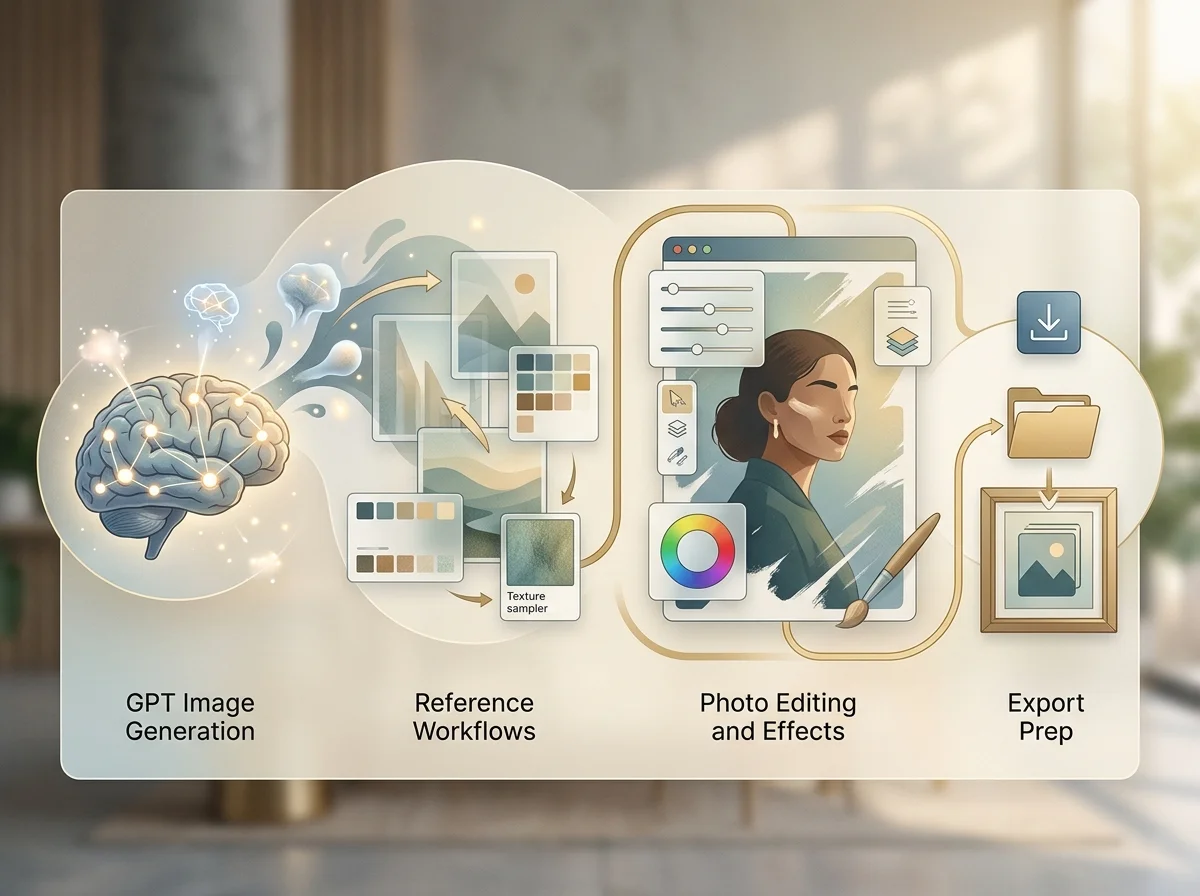
What the workflow adds
The imggpt video generator takes the visuals you already produce and gives them motion. It is built around image-to-video: the still is the input, so the composition and product detail you approved survive into the clip.

Image to video first
Upload a frame you already have and describe only the movement. The look is settled before generation starts.

Text to video when nothing exists
A written scene works too, for the cases where there is no asset yet and you are still finding the direction.

Composition holds
Product angle, character and framing carry from the still into the clip instead of being reinterpreted.

Sized for social from the start
Vertical, square and wide are chosen before generating so the motion is framed for the feed it is going to.
Why Animate an Approved Frame
Starting from a still removes the largest source of variation in generated video.

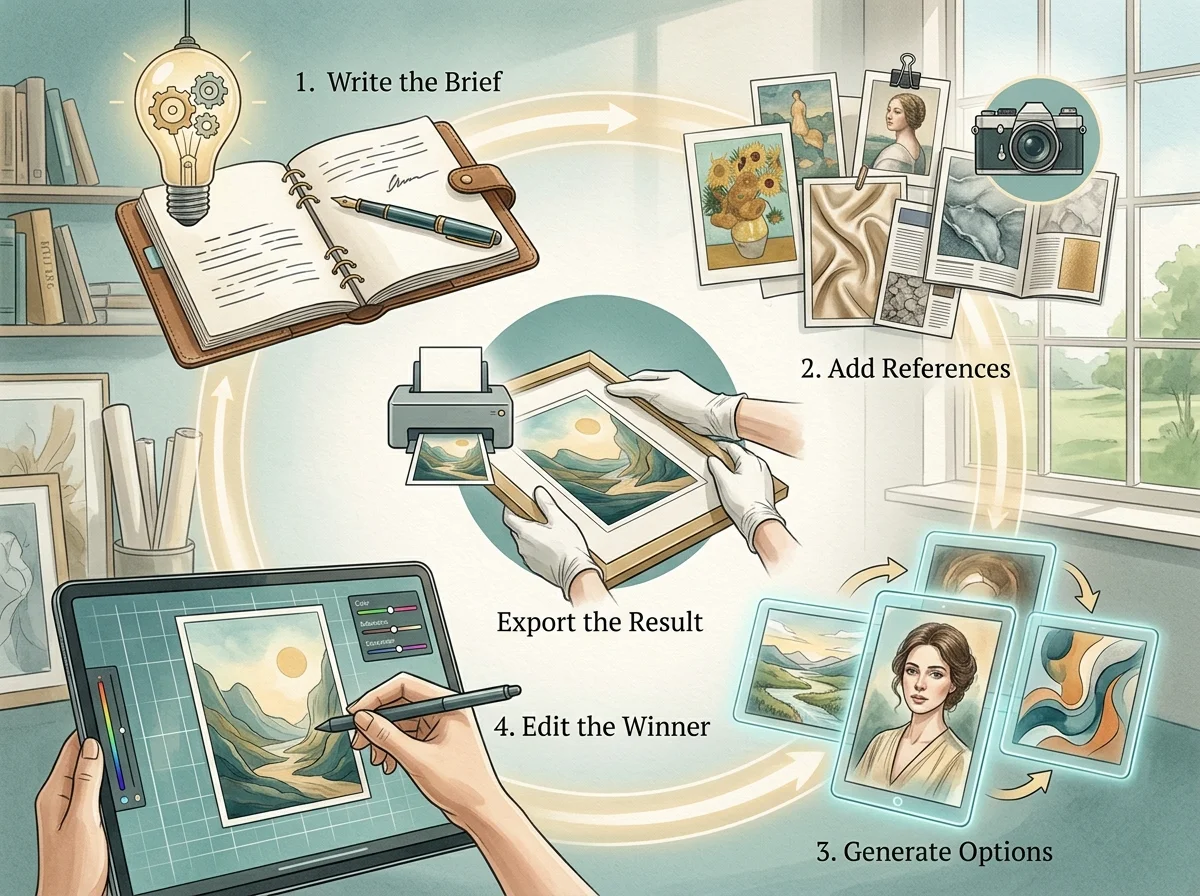
How to Turn an Image Into Video
Four steps from an existing still to a clip.

Start with the best version of the frame
Compression artefacts in the source carry into the motion, so upload the original rather than a resized copy.
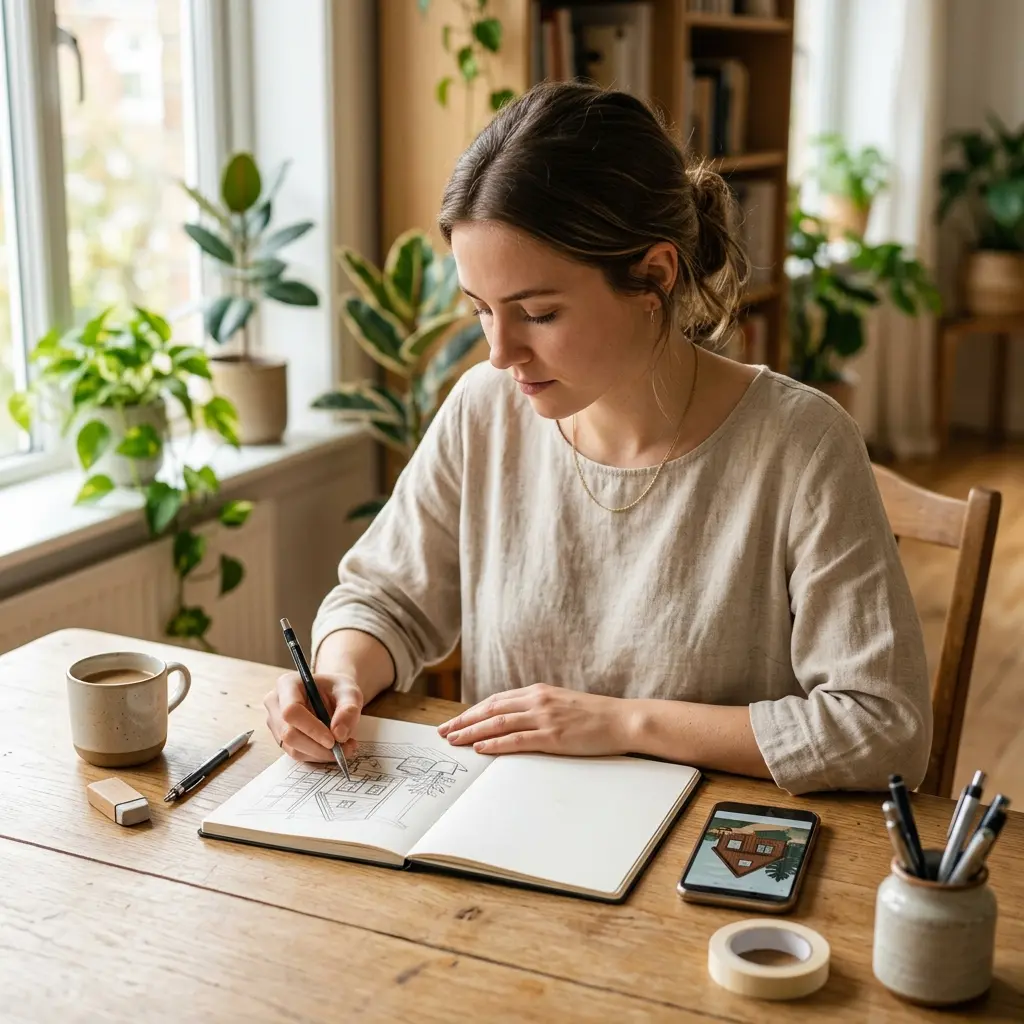
Describe movement, not the picture
The image already says what is there. Say what moves, how fast, and where the camera goes.

Name what should stay still
Protecting the parts that must not move is as useful as describing the parts that should.

Compare takes on motion alone
Generate a couple from the same still and choose on movement, since the look is already decided.
imggpt video generator controls and output
The inputs and controls on a motion generation.
Image-to-video generation
Animate an uploaded still while preserving its composition.
Text-to-video generation
Produce a clip from a written scene when no asset exists.
Motion and camera direction
Named movement and camera language read from the prompt.
Aspect ratio presets
Vertical, square and wide framed before generation.
Reference consistency
Reuse the same key visuals across a set of clips.
Export-ready output
Clips prepared for ads, social posts and landing pages.
imggpt Video Generator in numbers
What a run costs and returns
Available in the form today, each priced in the same credits.
Per run, depending on the model and length chosen.
Video covered per credited run, by model.
Includes a commercial licence for what you make.
The longest prompt every model on this page accepts.
Frequently Asked Questions About GPT Image and imggpt
Answers about imggpt as a GPT Image generator, photo editor, effects workspace, and all-in-one creative platform.
Give Your Images Motion
Upload the frame you already approved, describe the movement, and take away a clip that still looks like it.